August’s biggest change was behind the scenes: how providers become eligible for job notifications. Alongside that, clients got more control over blocking providers and faster address search, and providers got clearer payout information and a way to pause notifications without going fully offline.
For Clients
Block a provider for a set time, not just forever.
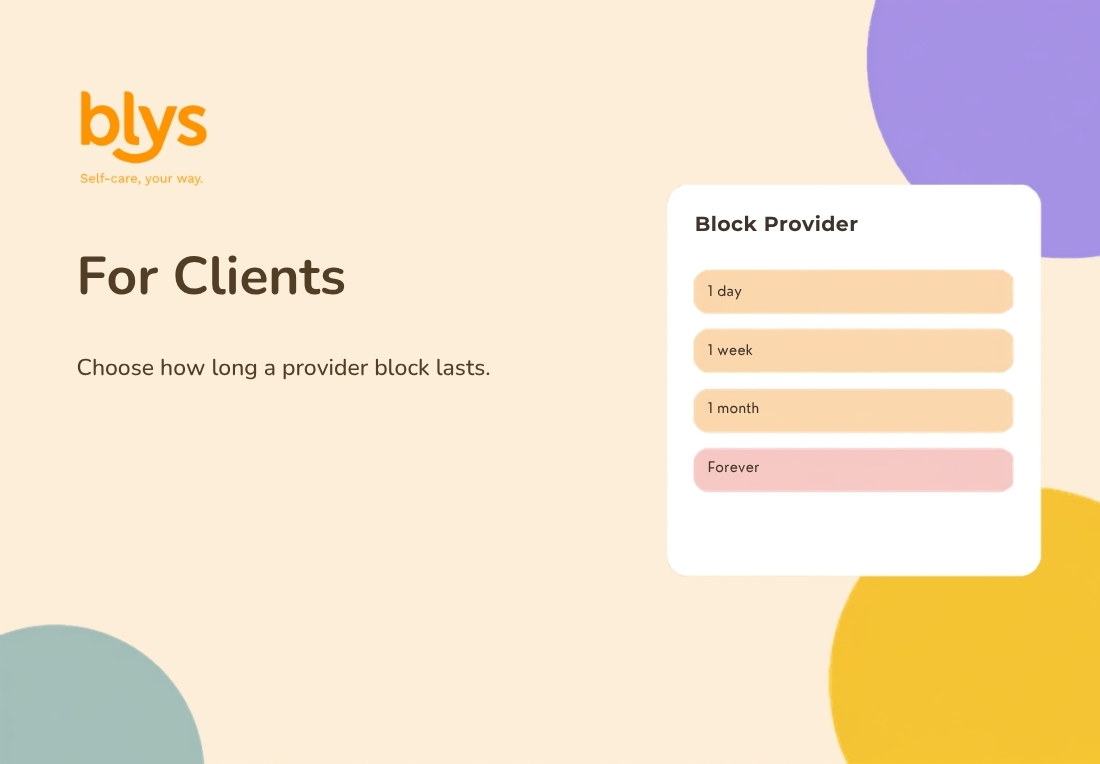
Choose a cooling-off period, from a day to a year, or block permanently.
Blocking a provider used to be all or nothing. Now clients can choose how long a block lasts, from 1 day up to 1 year, or select “Forever” for a permanent block. The blocked provider will not see or accept the client’s bookings until the block expires, and it can be lifted early at any time from settings.
Search your saved addresses on the web
The client mobile app has long had a search field for saved addresses when booking. That same search is now available on the Blys website too, so clients with several saved addresses can find the right one by typing instead of scrolling the full list.
Booking reminders now show up in chat
Reminders about an upcoming appointment used to arrive only by email or push notification, easy to miss in a busy inbox. Now a reminder also appears directly in the booking chat: one 48 hours before the appointment, and another 2 hours before, so it is impossible to lose track of an upcoming booking.
Account Owners get reporting access for Blys for Teams
Corporate account owners using Blys for Teams can now see the Reports section of their dashboard directly, including participation trends and provider ratings for their organization’s bookings. Previously this view was only available to Blys admins.
For Providers
No more remembering to go “online”
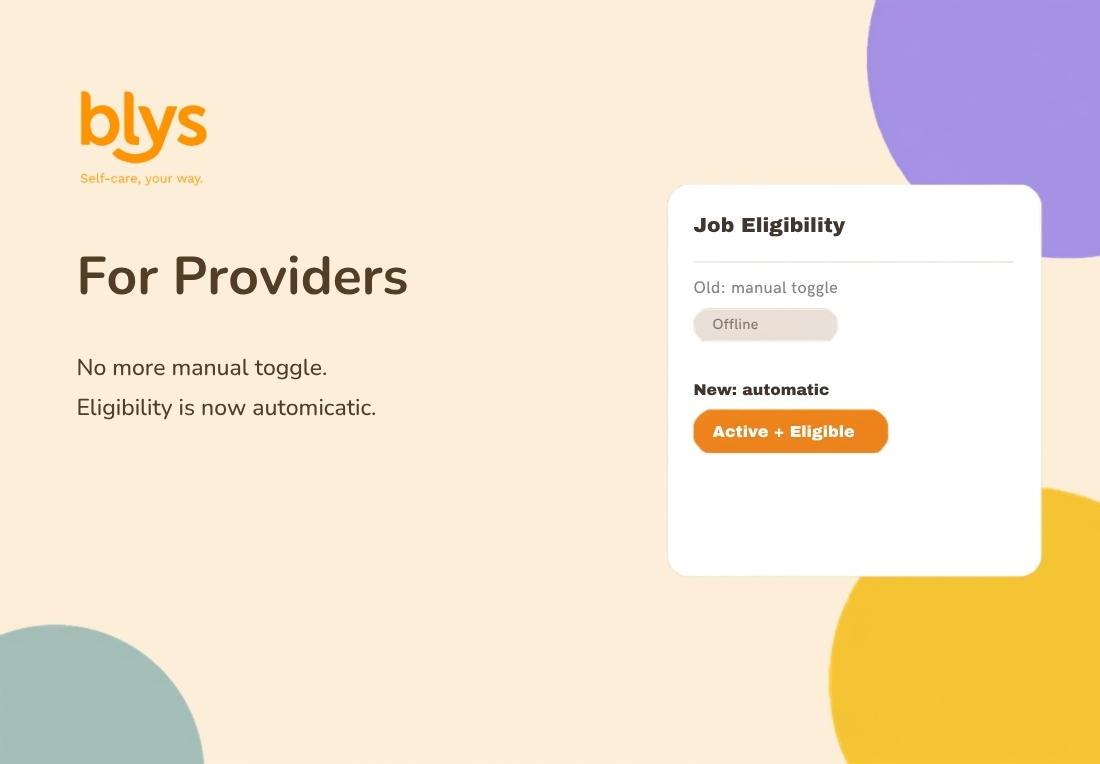
Active, with services and a service area set? You are now eligible for job notifications automatically.
This is the biggest change this month. Providers previously had to manually toggle themselves “Online” to receive job notifications, a pattern that caused real missed bookings when providers forgot to switch it on. Now, eligibility is automatic: any provider with an active account, at least one service configured, and a service area set will receive job notifications, without needing to toggle anything. Location permission is only requested when a provider taps “On my way” for a confirmed booking, not before.
Filter jobs by location type
Providers can now choose which venues they want to be notified about, home visits, hotels, offices, events, home care, hospitals and aged care, or spas, clinics and gyms, from a new Location Types screen under Job Preferences. By default every type stays switched on, so nobody sees fewer jobs unless they choose to narrow it down.
Pause notifications without going offline
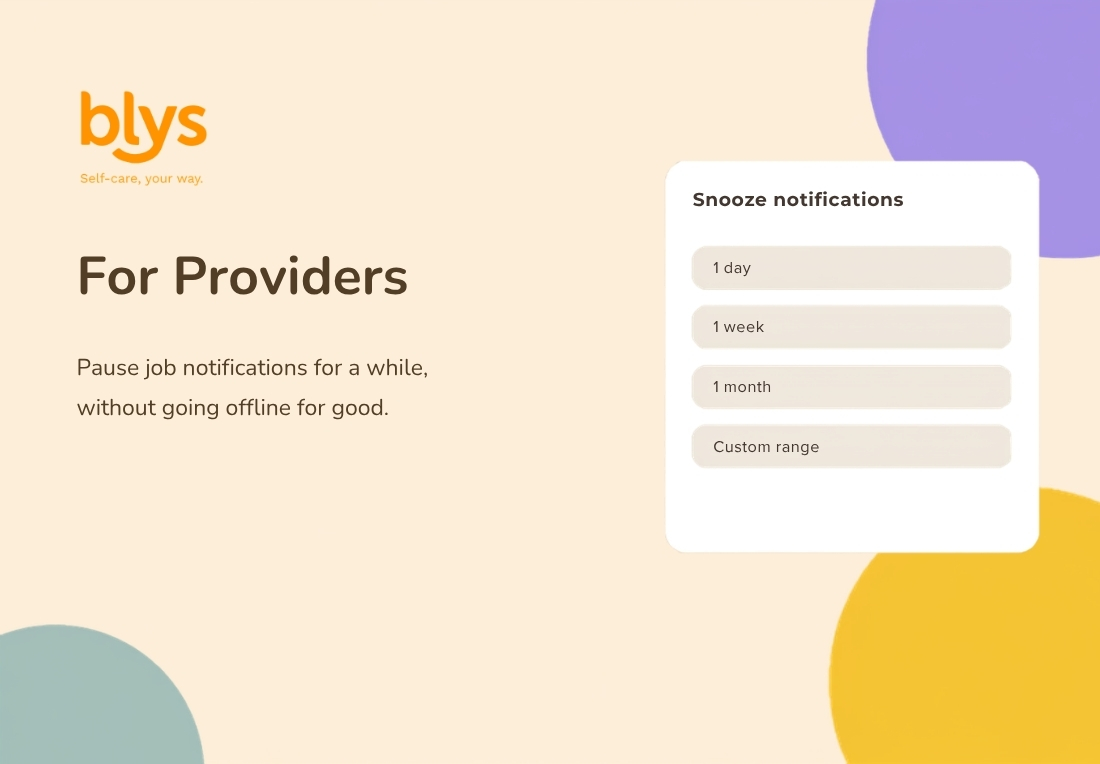
Take a break from job notifications for a day, a week, or a custom date range.
For providers taking time off, a new Snooze option pauses job notifications for a chosen period, from 1 day up to 1 month, or a custom date range for longer breaks, without needing to contact support or leave notifications on by mistake. Snoozing only pauses notifications. It does not affect a provider’s tier or activity score.
A clearer sign-up and payout setup experience
Providers now have their date of birth validated at sign-up, preventing the confusing errors that could previously appear much later during payout setup. If a payout attempt is still blocked by an age-related issue, providers now see a clear message explaining what to fix and a direct link to update their details.
One consistent “before you accept” warning
Accepting a booking now shows the same clear warning across every acceptance flow, start time required, fixed date and time, date and time required, and massage table required bookings: the client will be charged once accepted, and cancelling afterwards may trigger a cancellation fee. Providers see this consistently, rather than only in some booking types.
Tips now shown separately in payout reports
The weekly payout report used to fold tip amounts into the service price, which could make it unclear how much of a payout was a tip versus the job fee. Tips now appear as their own line item, so providers can see exactly what they earned from the service and what came from tips.
More improvements are on the way
August’s releases focused on making provider availability work automatically in the background, giving clients finer control over blocking and address search, and making payouts and booking acceptance clearer for providers.
Keep an eye out for the next monthly update to see what’s new.